What Makes an eCommerce Landing Page Convert for PPC Traffic
A high-converting eCommerce landing page for PPC campaigns isolates a single product or offer, removes navigation distractions, and matches the exact language of the ad that sent the visitor there. Conversion rates on dedicated PPC landing pages consistently outperform general category pages by 2x–5x because they eliminate decision fatigue and reinforce the promise made in the ad.
This guide walks through every structural element that drives conversions, from headline construction to post-click trust signals, with specific mechanics you can implement before your next campaign goes live.
Message Match: The Conversion Lever Most Advertisers Ignore
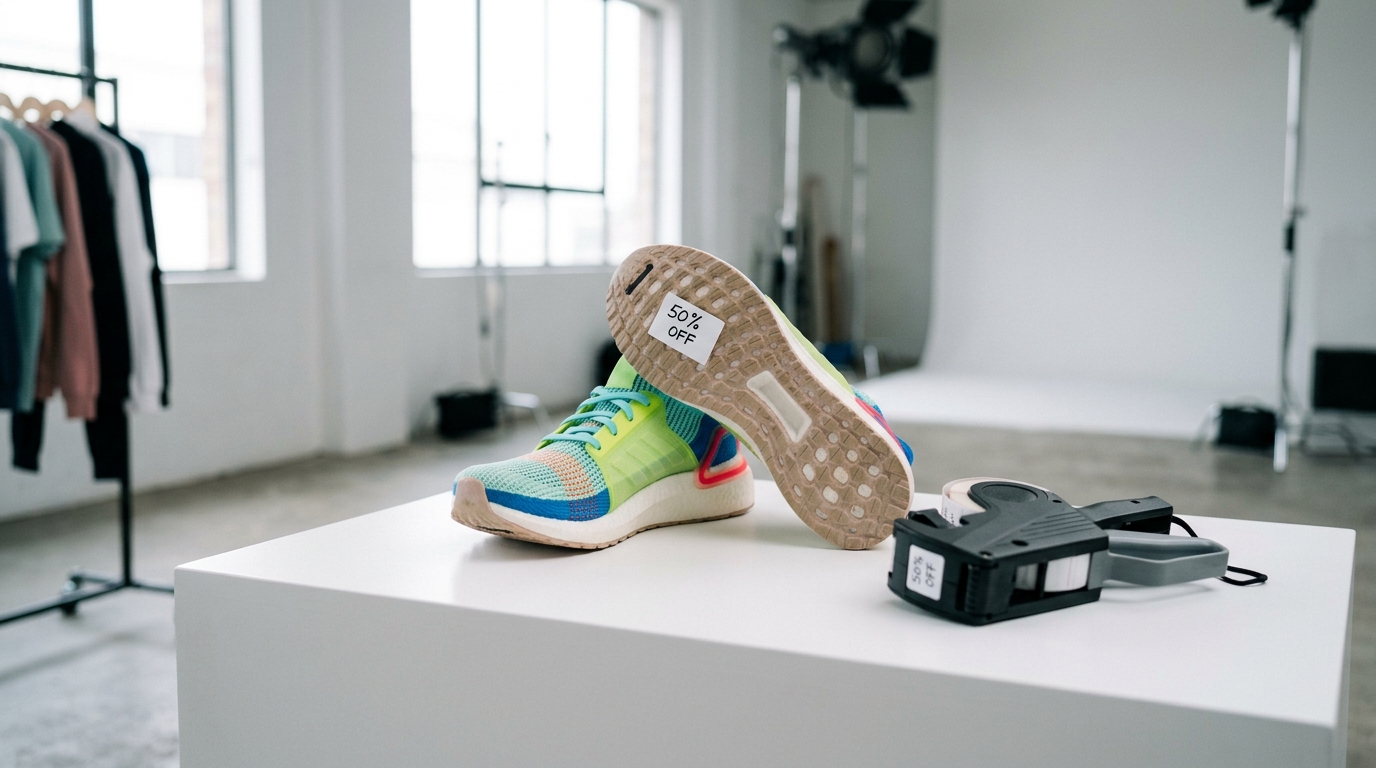
Message match means the headline on your landing page mirrors the headline or offer in the ad. If your Google Ads creative reads "50% Off Running Shoes This Week Only," the landing page H1 must echo that exact language. When visitors land and see something generic like "Shop Our Shoe Collection," the cognitive mismatch creates doubt, and doubt kills conversions.
Dynamic keyword insertion (DKI) in Google Ads helps align ad copy to search terms, but the landing page has to close that loop. For Shopify and BigCommerce stores running multiple ad groups, the cleanest solution is building separate landing pages per ad group rather than sending all traffic to one product page. This requires more setup time but routinely lifts conversion rates by 30–60% compared to single-destination campaigns.
To audit your current message match, screenshot your top three ads and hold them next to your landing page H1. If someone unfamiliar with your business can't immediately connect the two, rewrite the headline before adjusting anything else.
Above-the-Fold Structure: What Has to Appear Without Scrolling
PPC traffic is paid and impatient. Visitors decide within 3–5 seconds whether to stay or bounce, and that decision happens entirely in the viewport. Every element below the fold is secondary. Above the fold, you need exactly four things:
- A benefit-driven H1: State the outcome or offer, not a brand name. "Waterproof Hiking Boots Built for Rocky Terrain" outperforms "Trailmaster Pro X3" for cold PPC traffic.
- A product image or hero visual: Show the product in use, not just on a white background. Lifestyle imagery increases purchase intent because visitors mentally place themselves in the scenario.
- A primary CTA button: One button, one action. "Add to Cart," "Claim Your Discount," or "Get Free Shipping" are specific. "Buy Now" is acceptable. "Submit" is not.
- A credibility signal: A star rating with a review count, a trust badge ("30-Day Returns"), or a recognizable media logo ("As Seen In Forbes") reduces purchase anxiety before the visitor has scrolled an inch.
Navigation menus, site search bars, and footer links all belong on your main website, not on a PPC landing page. Removing navigation alone has been shown in repeated A/B tests to improve conversion rates by 10–30% because it eliminates exit paths.
Product Description Copy That Converts Browsers to Buyers
Below the fold, your copy has to answer the three questions every PPC visitor carries: What exactly is this? Why is it better than alternatives? Why should I buy right now?
Structure your product description in this order: lead with the primary benefit, follow with three to five feature bullets that support that benefit, then address the most common objection explicitly. If your product is premium-priced, the objection is usually "Why does this cost more?" Answer it directly with materials, manufacturing detail, or warranty length. If your product is a commodity, the objection is trust: address it with reviews, guarantees, and specific brand history.
Feature bullets work best when they lead with the benefit, then the feature. "Stays charged for 72 hours (6,000 mAh battery)" converts better than "6,000 mAh battery." The visitor cares about the outcome, not the specification alone.
Keep paragraphs under four lines. PPC traffic often arrives from mobile devices, and dense text blocks read as friction. Scannable copy with bolded key phrases pulls readers down the page toward your CTA.
Social Proof Placement and Specificity
Generic reviews hurt as much as no reviews. "Great product!" adds zero persuasive weight. Reviews that convert cite a specific problem solved, a measurable result, or a direct comparison to a competitor product the buyer previously used.
Place reviews in three locations on a PPC landing page:
- A star rating with total review count directly below the H1 (trust signal before the scroll)
- Two to three featured testimonials, 40–80 words each, mid-page between the product description and the second CTA
- A review count or aggregate rating restated near the final CTA, reinforcing the decision at the moment of purchase
If you sell on Shopify or WooCommerce and use apps like Judge.me, Loox, or Yotpo, pull your highest-rated, most specific reviews and hard-code them into your landing page template rather than relying on the dynamic widget. Widgets can slow page load, and on PPC campaigns where you pay for every click, a one-second delay in load time can reduce conversions by 7%.
Page Speed as a Conversion and Quality Score Factor
Landing page experience is a direct input into Google Ads Quality Score, which determines your ad rank and cost per click. A slow landing page raises your CPC and lowers conversions simultaneously. Target a Largest Contentful Paint (LCP) under 2.5 seconds and a Cumulative Layout Shift (CLS) score under 0.1, as defined by Google's Core Web Vitals framework.
For Shopify stores, the biggest speed offenders on landing pages are unoptimized hero images, third-party review widgets loading JavaScript synchronously, and chat widgets that fire immediately on page load. Fix these three items and most Shopify PPC pages will hit acceptable Core Web Vitals scores without a theme rebuild.
For WooCommerce, caching plugins like WP Rocket combined with a CDN like Cloudflare dramatically reduce time-to-first-byte. Avoid page builders that stack CSS frameworks on top of each other; these routinely add 300–600 KB of unused CSS to a landing page.
CTA Design, Placement, and Repetition
A single CTA is a principle, not a rule about count. You can include your CTA button multiple times on a long page, but it must always trigger the same action. Use the primary CTA above the fold, repeat it after the product description, and place a final instance after testimonials. Three appearances on a 1,000-word page is appropriate. Fewer than two means visitors who scroll past the first button have to hunt for a way to buy.
Button color should contrast sharply with the page background. If your brand palette is navy and white, an orange or green button will outperform a navy one in click-through rate because contrast draws the eye. Test button copy variations using your platform's native A/B testing tools: Shopify's built-in theme editor supports simple variant tests, and BigCommerce integrates with Google Optimize-compatible setups.
Urgency elements placed near the CTA, such as "Only 8 left in stock" or "Offer ends Sunday," increase conversion rates when they are accurate. False scarcity is detectable by repeat visitors and erodes brand trust over time, which increases your long-term customer acquisition cost.
Tracking Setup Before You Send Paid Traffic
Never run PPC traffic to a landing page without confirmed conversion tracking. At minimum, verify Google Ads conversion tags fire on the order confirmation page, not the checkout page. Checkout page fires inflate conversion data because a percentage of visitors abandon at payment. Confirmation page fires record actual purchases.
For Meta Ads traffic, the Meta Pixel should fire a Purchase event with the correct currency code and value parameter populated dynamically by your platform. Shopify's Meta sales channel handles this natively. WooCommerce stores need a plugin like PixelYourSite Pro or a developer-implemented dataLayer to pass order values accurately.
Set up Google Analytics 4 alongside your paid platform pixels so you have a platform-agnostic record of traffic behavior. GA4's funnel exploration report shows exactly where visitors drop between landing page arrival and purchase completion, giving you specific pages to optimize rather than guessing.
eCommerce PPC Landing Page FAQ
Should a PPC landing page be a separate URL or an existing product page?
A separate URL built specifically for the campaign converts better in almost every test. Product pages carry navigation, related products, and other exit paths that fragment attention. A dedicated landing page at a URL like /lp/running-shoes-sale can be built on Shopify using a custom template and excluded from your main sitemap to keep it out of organic search results.
How many products should a single PPC landing page feature?
One product or one tightly defined offer. If you are promoting a bundle, treat the bundle as a single product. Multiple products on one landing page split the visitor's attention and reduce the clarity of the primary CTA. Run separate ad groups and separate landing pages for each product variant you want to promote.
What is a realistic conversion rate target for a paid traffic landing page?
eCommerce PPC landing pages in competitive niches typically convert at 2–5% for cold traffic. Well-optimized pages targeting warm audiences (retargeting or email list custom audiences) frequently reach 6–12%. Use your current category page conversion rate as a baseline and aim to beat it by at least 50% with a dedicated landing page before declaring the test complete.
How does landing page relevance affect Google Ads cost per click?
Google Ads Quality Score is scored 1–10 per keyword and is partially determined by landing page experience, which Google assesses based on relevance to the ad, page load speed, and ease of navigation. A Quality Score of 7 or higher can reduce your effective CPC by 20–50% compared to a score of 4 or below, directly lowering your cost per acquisition without changing bids.
Should the landing page include a money-back guarantee?
Yes, for most eCommerce products. A clearly stated 30-day or 60-day return policy removes the primary financial objection for first-time buyers. Place the guarantee near the CTA button, not buried in the footer. Stores that display guarantees prominently near the purchase button consistently see higher add-to-cart rates than those that reference returns only in site policies.